You have a video idea and no footage, no crew, and no editing timeline. Text to video AI closes that gap — you describe a scene in plain English and receive a generated video clip in minutes. Understanding how the process actually works helps you write better prompts and decide when the tool earns its place in your workflow.
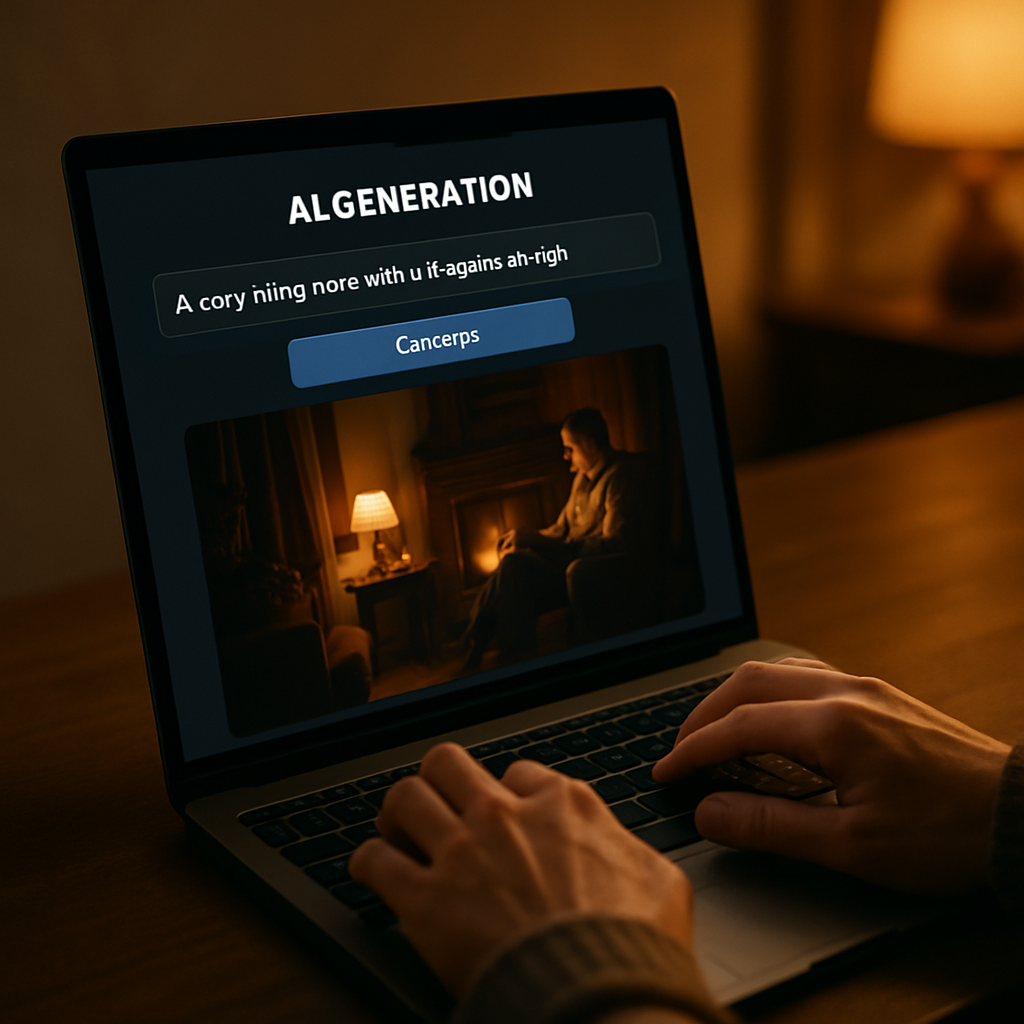
Quick answer: Text to video AI takes a written description of a scene and generates a short video clip from it. You don't need a camera, footage, or editing software. You type what you want, submit it, and get a video back in minutes. Most tools charge a monthly subscription; ATXP Video charges per video with no subscription required.
What Text to Video AI Actually Does
Text to video AI reads your written description and produces a video that matches it — motion, lighting, mood, and all. You're not editing existing footage or assembling clips from a library. The video is generated from scratch based on the words you provide.
The practical result: if you type "a coffee cup on a wooden table, morning light streaming through a window, slow zoom out," you get a video of exactly that scene. The tool interprets your words as visual instructions and produces moving images that reflect them.
This is meaningfully different from stock video. Stock gives you what someone else already filmed. Text to video gives you what you actually described.
How the Process Works Step by Step
The workflow is a simple three-step loop: write a prompt, submit it, review the result.
- Write your prompt. Describe the scene in plain English. Include what's in the frame, how the camera moves, and what the atmosphere feels like. Specificity pays off — "a woman walking through a rainy Tokyo street at night, neon reflections on wet pavement, medium shot" will outperform "a woman in a city."
- Submit and wait. The tool processes your description and generates a video. Expect one to three minutes for most clips.
- Review and iterate. Watch the result. If it's close but not quite right, adjust your prompt and generate again. Each iteration costs one video credit — there's no wasted subscription time while you experiment.
Prompt example: "Aerial shot of a mountain range at sunrise, light fog in the valleys, slow forward drift, cinematic color grading"
Getting better results is mostly a writing skill. The more precisely you describe a scene, the closer the output lands.
When Text to Video AI Makes Sense
Text to video AI earns its place when you need moving visuals but a traditional shoot isn't practical. That covers more situations than most people realize.
Common use cases where it consistently delivers value:
- Social media content — short clips for Instagram Reels, TikTok, or YouTube Shorts where you need something visually interesting fast
- Product ads and promos — scene-setting footage to support a product without shooting a full commercial
- Explainer videos — visual metaphors and illustrative scenes that would be expensive or impossible to film
- Creative development — rough visual drafts to show a client or collaborator what a concept looks like before committing to production
- Placeholder footage — temporary visuals for presentations, pitch decks, or early-stage edits
It's less suited to anything requiring recognizable real people, specific locations you need to document accurately, or footage that will be scrutinized for photorealism. For those cases, a camera still wins.
How ATXP Video Handles Text to Video
ATXP Video uses a chat interface — you describe your scene the same way you'd explain it to a person, and the video comes back in minutes.
The key difference from most text to video tools is the pricing model. There is no subscription. You add a balance, pay per video, and your balance never expires. You're not locked into a $15–$95 monthly commitment before you've made a single video.
That structure makes it easier to experiment. Generate five different versions of a scene, see which one works, and only pay for what you actually use. If you go a month without generating anything, you're not charged for it.
One balance also covers Music, Pics, and Chat — so if your project needs a generated image or a piece of background music alongside the video, it comes from the same account.
Try it now: Open the chat interface at atxp.video/chat, describe a scene, and see what comes back.
What Text to Video AI Costs Across the Main Tools
Most text to video tools are subscription products. Here's how the current landscape looks:
| Tool | Pricing Model | Entry Cost | |---|---|---| | ATXP Video | Pay-per-video, no subscription | No monthly fee | | Runway | Subscription | $15–$95/mo | | Sora (OpenAI) | Requires ChatGPT Plus | $20/mo | | Pika | Subscription | $8–$28/mo | | Kling AI | Subscription | $10–$36/mo | | Luma Dream Machine | Limited free tier + subscription | $29.99/mo |
If you generate videos regularly, a subscription might average out. If you generate occasionally — or you're still figuring out whether text to video fits your workflow — paying per video means you only spend money when you actually produce something.
How to Write Prompts That Get Better Results
The single biggest factor in output quality is prompt specificity. Vague descriptions produce generic results; specific descriptions produce useful ones.
Four things worth including in most prompts:
- Subject — what or who is in the scene, and what they're doing
- Camera behavior — static, slow zoom, push-in, handheld, aerial, etc.
- Lighting and time of day — golden hour, overcast, studio lighting, neon at night
- Mood or style — cinematic, documentary, commercial, dreamy, gritty
You don't need all four every time, but hitting three of them usually lifts the result noticeably. Think of the prompt less as a search query and more as a brief to a director — the more clearly you communicate the vision, the closer the output lands.
Prompt example: "Close-up of hands typing on a mechanical keyboard, shallow depth of field, warm desk lamp light, slow rack focus to a coffee mug in the background"
Iteration is normal. Two or three rounds of refinement is a typical workflow, not a sign something is broken.
Text to video AI is a practical tool for anyone who needs moving visuals without the overhead of a traditional shoot. The core skill is writing clear scene descriptions — the rest is just iteration. If you want to try it without committing to a monthly subscription, start a video at atxp.video/chat. Describe a scene, see what comes back, and go from there.