You typed a sentence. A few minutes later, a video appeared. If you've seen a text to video AI clip online and wondered what actually happened between those two moments, you're not alone — and the explanation is simpler than most articles make it sound.
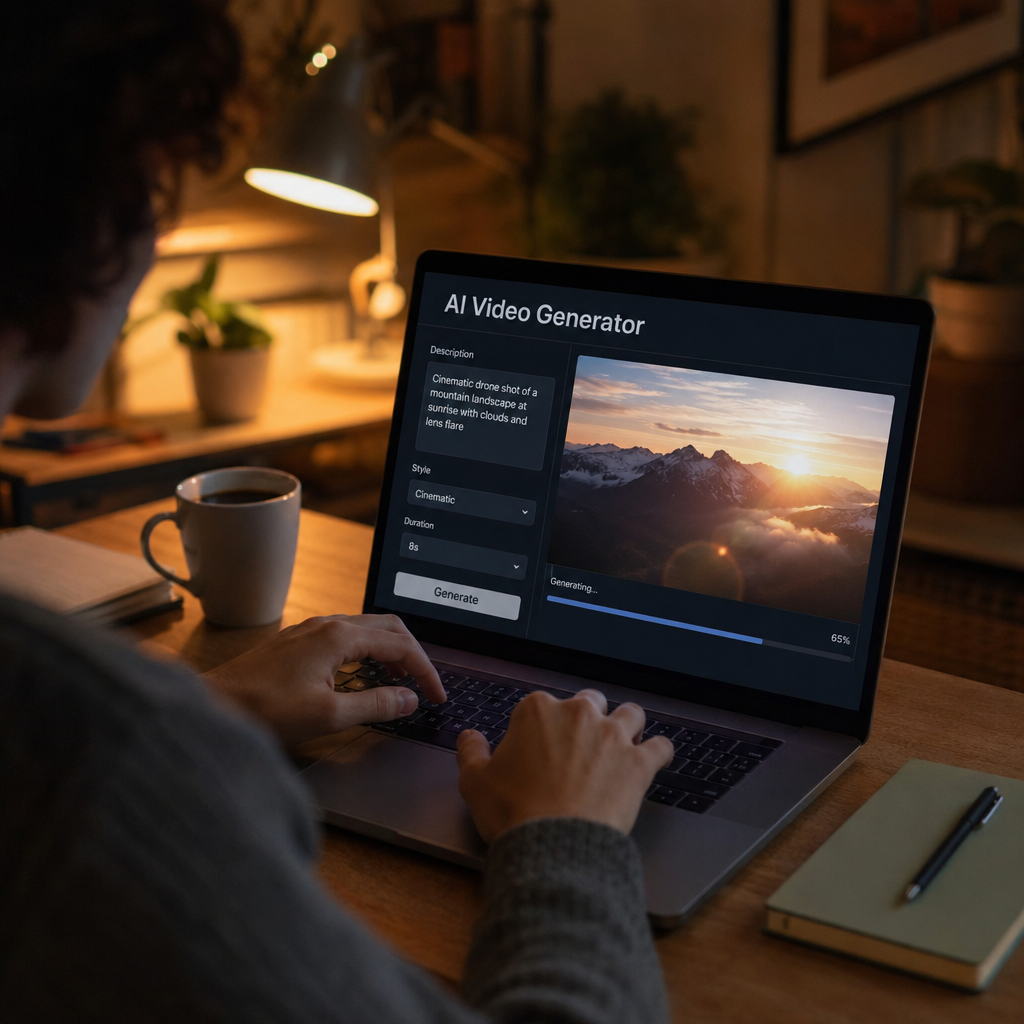
Quick answer: Text to video AI reads your written description, breaks it into visual concepts (subjects, settings, motion, lighting, mood), and builds a sequence of image frames that flow together as a video. The whole process happens automatically, usually in under three minutes, with no video editing involved on your end.
How Does Text to Video AI Actually Process Your Words?
The first thing the AI does is read your prompt as a set of visual instructions, not a sentence. When you write "a golden retriever running through a field of tall grass at sunset," the system doesn't see grammar — it sees: subject (dog, golden retriever), environment (field, tall grass), lighting (sunset, warm tones), and motion (running). Each of those becomes a parameter that shapes what the output looks like.
Think of it like directing a scene without a camera crew. You describe the shot; the AI figures out what every frame of that shot should contain.
From Words to Frames: What the Generation Step Looks Like
Once your description is parsed, the AI starts building individual frames — still images — that match what you described. It doesn't record footage; it creates each frame from scratch. Then it makes those frames consistent with each other so that objects, lighting, and motion carry through from one frame to the next the way they would in real video.
This is why camera instructions work so well in prompts. Phrases like "slow zoom out," "handheld shake," or "bird's-eye view" give the system information about how the frame should change over time, not just what should be in it.
Prompt example: "Aerial shot of a coastal town at dusk, lights flickering on, slow drift left, cinematic color grade"
The more specific your motion and camera cues, the more deliberate the result.
Why the Same Prompt Can Produce Different Results
Text to video AI involves a degree of randomness by design, which is why two runs of the same prompt rarely produce identical clips. The system explores a range of possible interpretations of your words and settles on one. That's not a bug — it's what allows the tool to generate something genuinely visual rather than retrieving a pre-made clip from a database.
Practically, this means:
- If you like a result, note the exact prompt wording so you can reproduce something close to it.
- If you don't like a result, tweak specific words rather than rewriting the whole prompt. Changing "sunset" to "overcast afternoon" will shift the mood noticeably.
- Short, vague prompts leave more to interpretation. Longer, specific ones narrow the output toward what you actually had in mind.
What the AI Is Good At — and Where It Still Struggles
Text to video AI handles broad visual scenes, mood, lighting, and camera movement very well. A misty forest, a busy city street, an empty diner at night — these kinds of establishing shots tend to come out strong because the AI has a rich understanding of what those environments look and feel like.
Where it's less reliable:
- Specific faces and people. If you need a recognizable individual or precise human anatomy in motion, results can be inconsistent.
- Readable text on screen. Signs, labels, and captions inside the video itself are hit-or-miss across most tools.
- Long continuous action. A three-second clip of someone throwing a ball is more achievable than ten seconds of a full basketball play.
Knowing these limits helps you write prompts that play to the strengths of the technology rather than fighting against them.
How ATXP Fits Into This
At ATXP, the entire process runs through a plain chat interface — you describe your scene, and the video comes back in minutes. There's no timeline editor, no settings panel to configure, and no subscription to start. You add credits to your balance, spend them per video, and your balance never expires.
One balance also covers Music, Pics, and Chat — so if a project needs a generated soundtrack or a still image alongside the video, you're working from the same pool of credits.
Ready to see how it works firsthand? Open the chat at ATXP, describe a scene in one or two sentences, and watch the process play out in real time.
The social sharing side is worth mentioning too. Every video gets a shareable page with autoplay and open-graph video tags, which means when you drop the link into a text message or social post, the video plays inline rather than showing a blank thumbnail.
Writing Prompts That Get Better Results
The single biggest lever you have over output quality is prompt specificity. Here's a simple framework:
| Prompt element | Vague version | Specific version | |---|---|---| | Subject | "a car" | "a dusty black pickup truck" | | Setting | "outside" | "an empty desert highway at midday" | | Motion | "moving" | "accelerating away from camera" | | Mood/lighting | "nice" | "harsh sunlight, long shadows" | | Camera | (none) | "low angle, slow push in" |
You don't need all five elements every time. But adding two or three of them to a bare-bones prompt will usually close the gap between "close but not quite" and "that's the one."
Prompt example: "A dusty black pickup truck accelerating away from camera on an empty desert highway at midday, low angle, long shadows, slow push in"
The Plain-English Summary
Text to video AI works by translating your written description into a sequence of generated frames that play as a video — no footage, no cameras, no editing software involved. You're the director; the AI is the entire production crew. The better your description of the scene, the more deliberately the output reflects what you had in mind.
If you want to understand how it works, the fastest way is to run a prompt yourself. Try it at ATXP — no subscription, no monthly fee, just describe a scene and see what comes back.