You found a candle emoji, you typed "Happy Birthday!!" in a group chat, and somehow it still felt like you phoned it in. A personalized video message lands differently — and an AI birthday video generator means you can make one in a single sitting, no camera or editing software required.
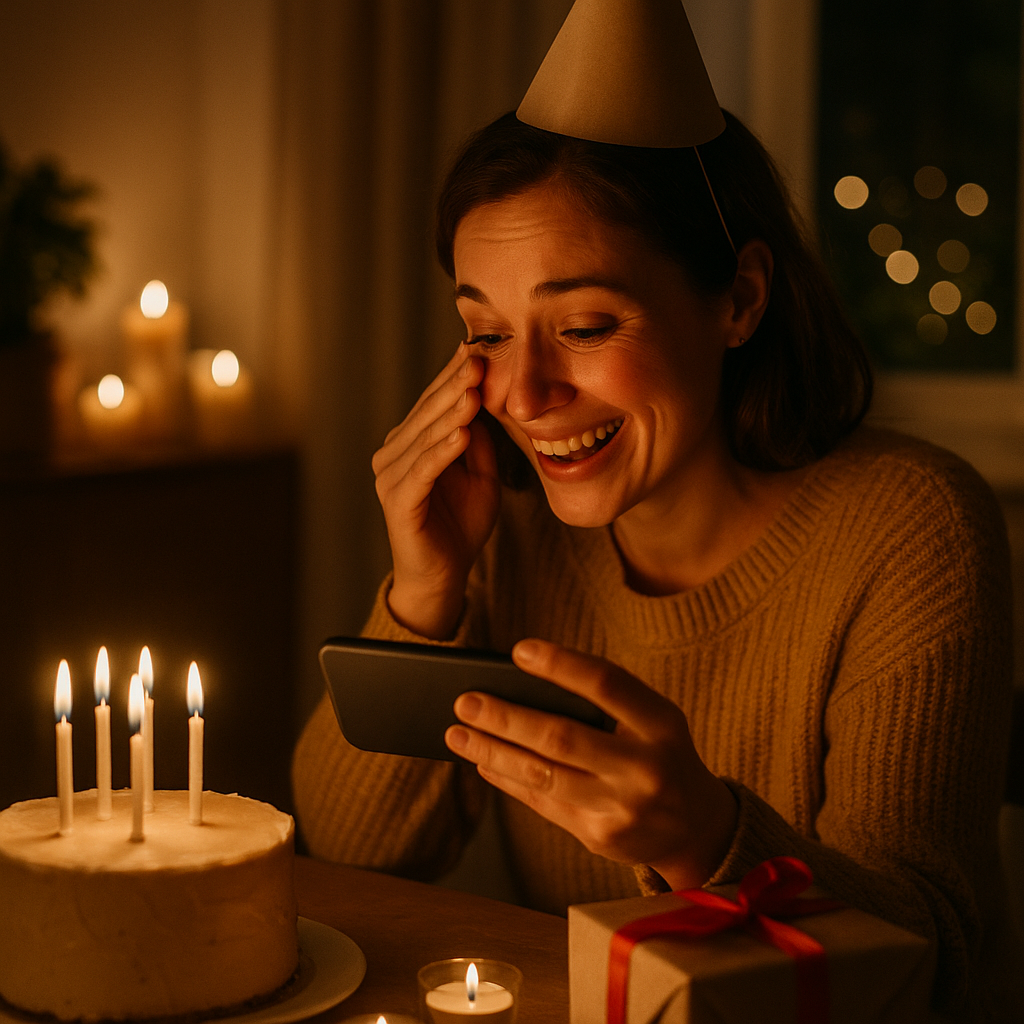
Quick answer: You can create a personalized AI birthday video by describing the scene in plain English — who it's for, what they love, the mood you want — and an AI generates the video in minutes. With ATXP Video, there's no subscription; you pay per video and the balance never expires. Start in the chat →
What Makes an AI Birthday Video Actually Feel Personal
A birthday video feels personal when it reflects the specific person, not a generic celebration template. That's the gap between typing a description like "happy birthday video with balloons" and typing something like "a golden retriever wearing a tiny party hat runs across a sun-lit backyard toward a picnic table covered in wildflowers." Both take thirty seconds to write. One looks like every other birthday clip online.
The details that make a video feel personal are the same details that make a handwritten card feel personal:
- A place they love — a beach town, a specific city skyline, a backyard that looks like theirs
- Something they're into — a hobby, a sport, a music genre that sets the visual tone
- A mood — warm and nostalgic, funny and chaotic, calm and cinematic
- A color or visual style that matches their personality
None of that requires you to know anything about video production. You just have to know the person.
How to Write a Birthday Video Description That Works
The best descriptions for an AI birthday video generator are specific, visual, and written in plain English. You don't need to use technical language — describe what you want to see, the way you'd describe a scene to a friend.
Here's a simple structure that works:
- Set the scene — Where is this happening? Indoors or outdoors? Time of day?
- Add the subject — A person, an animal, an object, or a character that anchors the video
- Include motion — What's happening? Movement makes video feel alive
- Set the mood — Lighting, color palette, energy level
- Name a style if it helps — "cinematic," "warm home video," "bright and playful"
Example prompt: "A woman in her 40s blows out candles on a chocolate cake at an outdoor dinner table strung with warm Edison lights. Her friends clap and laugh around her. Slow motion, golden hour, warm and cinematic."
Example prompt: "A cartoon corgi in a birthday hat rides a skateboard down a colorful street past balloons and confetti. Bright colors, playful and fast-paced."
Write two or three variations if you're not sure which direction to take. You're paying per video, so you can generate one, see how it lands, and refine from there.
Why Pay-Per-Video Works Better for a Birthday Gift
Most AI video tools require a monthly subscription, which means you're paying $8–$95/month whether you make one video or twenty. For a birthday message you want to send once, that math doesn't work.
Here's how the main options compare:
| Tool | Pricing | Subscription Required | |---|---|---| | ATXP Video | Pay per video, balance never expires | No | | Runway | $15–$95/month | Yes | | Sora (OpenAI) | Requires ChatGPT Plus at $20/month | Yes | | Pika | $8–$28/month | Yes | | Kling AI | $10–$36/month | Yes | | Luma Dream Machine | Limited free tier + $29.99/month | Yes for full access |
With ATXP, you add a balance once, generate your birthday video, and the remaining balance stays in your account until you need it again — for another video, music, images, or chat. No pressure to "use it before it resets."
No payment is required at signup, so you can explore the chat interface before you commit to anything.
Describe your birthday video in the chat →
How to Send and Share the Video
Once your video is generated, ATXP gives you a share page that works everywhere — text message, email, Instagram DM, WhatsApp, or a post on any social platform.
Every share page includes:
- Autoplay so the video starts as soon as someone opens the link
- OG video tags so platforms like iMessage and Slack show a rich preview instead of a plain URL
- A clean page the recipient lands on — no ads, no upsell wall in front of their birthday message
For most people, dropping a link in a text is enough. The video plays the moment they tap it. If you want to post it publicly — on Instagram Stories or X — the preview renders automatically without any extra export steps.
Ideas for Different People and Relationships
The right birthday video concept depends on your relationship with the recipient and what you know they'd actually enjoy. Here are a few directions to get you started:
- For a parent: A warm, nostalgic scene — a family dinner table, a backyard garden, soft lighting. Cinematic and unhurried.
- For a close friend: Something specific to an inside joke, a trip you took together, or a hobby they're obsessed with. The more niche the reference, the better.
- For a kid: Bright colors, a favorite animal or character, something silly and fast-moving.
- For a coworker: Keep it lighthearted and professional — confetti, a celebratory office scene, or something tied to a shared interest without being too personal.
- For a partner: Pull from a real memory — a place you've been, a meal you've had, a detail only the two of you would recognize.
The AI birthday video generator doesn't need much to work with — but the more specific and honest your description, the more it'll feel like something you actually made for that specific person.
Make the Birthday Video in Minutes
Sending a video for someone's birthday used to mean finding footage, editing a timeline, and uploading a file. With an AI birthday video generator, it means opening a chat, describing what you want, and having something shareable before you finish your coffee.
No subscription. No monthly fee. No camera.
Describe your birthday video scene and get it in minutes. Your balance never expires, so anything left over is ready for next time.